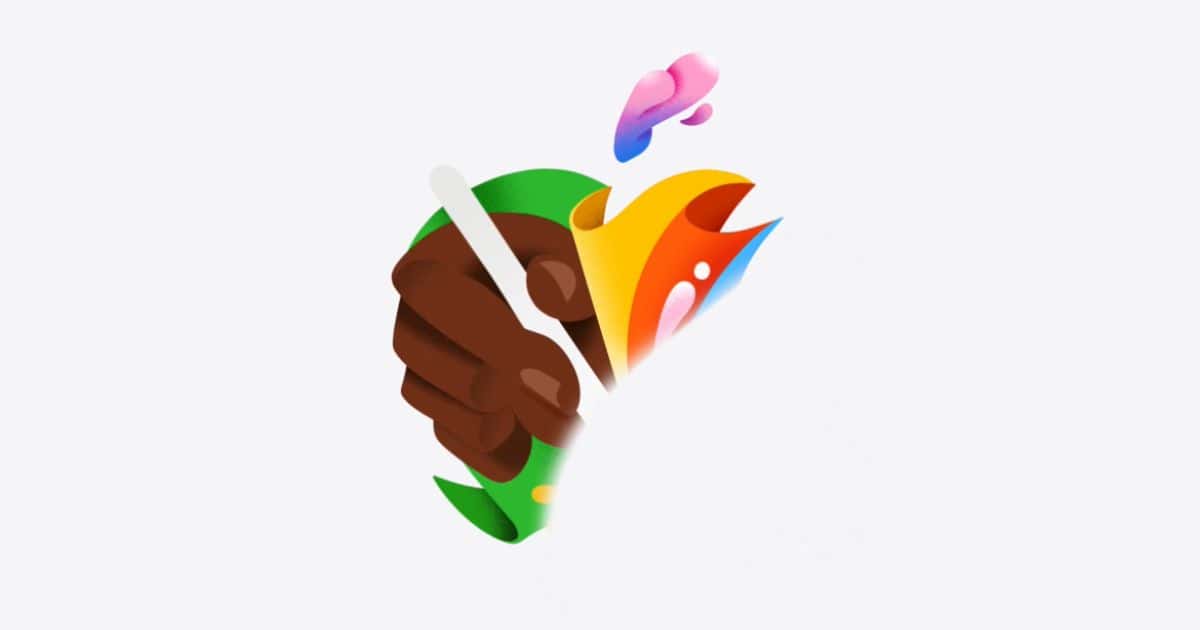
Apple has updated its homepage with a last-minute teaser for “Let Loose” event, where it may unveil new iPads.

Under-Screen Face ID for iPhone Reportedly Pushed Back to 2026 iPhone 17 Pro
A new report claims there may be a delay, and the earliest we will see under-screen Face ID could be on the 2026 iPhone 18 Pro line.

Apple to Mass Produce Foldable Hybrid in 2025, Foldable iPhone in 2026: Report
Apple could start mass production of two foldable devices: a 20.3-inch foldable device in late 2025, and a foldable iPhone in late 2026.

Alleged iPhone 16 Molds Show Slimmer MagSafe Charging Ring
There are noticeable changes to the MagSafe charging ring across all four iPhone 16 models, per the molds shared by the French website ShopSystem.

iOS 18 Will Intro AI Features To Siri and Spotlight Search with Apple's Ajax LLM
Siri and Spotlight Search are in line for new generative AI features that work with Messages, Mail, Safari, etc.

Snagit Review: Is It a Good Screen Capture Tool for Mac?
Snagit lets you record your screen and edit your captures, but is it really worth buying? Find out in this complete hands-on review.

Apple Store's 'Shop with a Specialist over Video' Now Available on iPhone
The Apple Store’s “Shop with a Specialist over Video” is now available on the Apple Store app on iPhones with the recent update.

Microsoft Finally Rolls Out Passkey Support for Apple Devices
Microsoft is finally rolling out support for passkey for all consumer accounts starting today across Apple, Windows, and Android.

Apple to Let EU Users Choose Alternative App Stores and Payments on iPads
Apple to allow alternative app stores & payments on iPads in the EU. Developers gain flexibility, users get more app choices, but impact on prices & security unclear.

Chrome on iOS Will Soon Filter Notifications Based on User Preference
Chrome iPhone users may be seeing smarter notifications on Chrome for iOS based on analytics of user feedback soon.

Apple Watch AFib History Feature Gets FDA Nod as an MDDT
Apple Watch AFib history finally gets FDA nod. The smartwatch now qualifies as a medical device under MMDT program.

Pennsylvania To Crack Whip on AirTag Secret Tracking Under Anti-Stalking Laws
Pennsylvania is inching closer to criminalize unauthorized tracking, as its House of Representatives voted 199-1 to outlaw secret tracking using AirTags, etc.

LG Becomes First To Support Dolby Atmos With Apple Music Natively
LG has become the first TV maker to announce native support for Dolby Atmos in the Apple Music app.

Apple Vision Pro Might Hit Shelves in Japan Very Soon
Cupertino’s top-dollar Apple Vision Pro might be gearing up for releases in other regions, including China and Japan.

Apple Watch Ultra 3 May Launch This Year, But With Little Hardware Upgrade
Analyst Ming-Chi Kuo believes there will be an Apple Watch Ultra 3 in 2024 after all, however with little hardware upgrades over its predecessor.

iOS 17.5's Repair State Feature Doesn't Need Turning Off Find My During Service
Repair State feature on iOS 17.5 beta doesnt require turning off Find My or Activation Lock during service.

Grammarly Review: Is It a Good Writing Assistant for Mac?
Grammarly is a popular writing assistant for Mac users, but is it worth using? We cover all the key details in this extensive review!

Apple Rolls Out visionOS 1.2 Beta 4 to Developers
Apple today rolled out the visionOS 1.2 Beta 4 to developers, closely following the third beta update released about a week ago.

Assassin's Creed Mirage Is Finally Coming to iPhones and iPads in June
Ubisoft has officially announced that Assassin’s Creed Mirage is coming to iPhone 15 Pro and iPads as early as next month.

Apple Releases Fourth Betas of iOS 17.5, iPadOS 17.5 and macOS Sonoma 14.5 To Developers
Apple today released iOS 17.5, iPadOS 17.5, and macOS Sonoma 14.5 Beta 4 to developers, following closely on the heels of last week’s Beta 3.

Beats Solo 4, Solo Buds Officially Debut With Improved Battery Life, Better Sound Quality
Apple sub-brand Beats today took wraps off its latest Solo 4 headphones and debuted its first TWS pair, Solo Buds. They come at $199.99 and $79.99, respectively.

Apple Acknowledges iPhone Alarm Bug, Promises Fix Is On The Way
Apple has confirmed that it’s working to fix the ongoing issue with iPhones’ alarms not playing.

Apple Likely to Stick with Color-Infused Back Glass on iPhone 16
iPhone 16 is expected to arrive with a matte colored back glass similar to the one on iPhone 15.

Apple Cards Issued in 2019 Set To Expire, Replacement Titanium Cards on the Way
The first batch of Apple Card issued in 2019 are set to expire. Apple is shipping replacement titanium cards. Read on to know more.